mirror of
https://github.com/alexadam/save-as-ebook.git
synced 2026-07-09 17:19:21 +00:00
| web-extension | ||
| ex1.png | ||
| ex2.png | ||
| LICENSE | ||
| README.md | ||
| tests.tar | ||


save-as-ebook
Save a web page/selection as an eBook (.epub format) - a Chrome/Firefox/Opera Web Extension

How to install it
From Chrome Web Store
or manually (tested on v. 52.0.2743.116)
1. Navigate to chrome://extensions/
2. Load unpacked extension ...
3. Select the extension's directory
From Firefox Add-ons
or manually (tested on v. 50.0a2)
1. Navigate to about:debugging
2. Load temporary add-on ...
3. Select the extension's directory
Opera (tested on v. 39.0.2256.48)
1. Navigate to opera:extensions
2. Load unpacked extension ...
3. Select the extension's directory
Convert .epub to .mobi
sudo apt-get install calibre
ebook-convert "book.epub" "book.mobi"
Added in v1.1
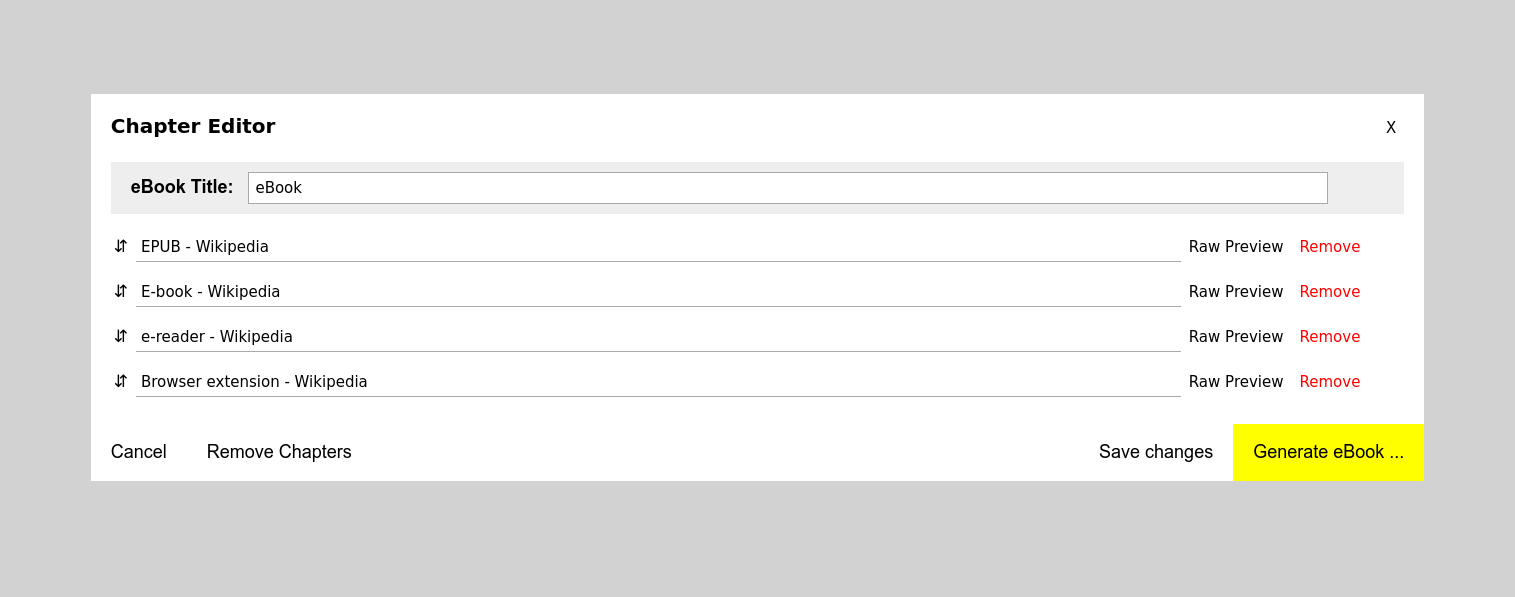
- Chapter Editor: option to save changes
- Chapter Editor: option to remove all chapters
- persist Chapter Editor changes & chapters after generating an eBook or after a browser restart
To-Do
- fix all 'epubcheck' errors (https://github.com/IDPF/epubcheck)
- clean & optimize code
- create tests
- 'save as image' option (render a selection and save it as image instead of text)
- support other formats (mobi, pdf etc.)
- show confirmations (ui/ux)
- display errors (ui/ux)
- add settings & options page (ui/ux)
- support custom style
Credits
- http://ebooks.stackexchange.com/questions/1183/what-is-the-minimum-required-content-for-a-valid-epub
- https://github.com/blowsie/Pure-JavaScript-HTML5-Parser
- https://stuk.github.io/jszip/
- http://johnny.github.io/jquery-sortable/
- https://github.com/eligrey/FileSaver.js/
- https://www.iconfinder.com/icons/1031371/book_empty_library_reading_icon#size=128