mirror of
https://github.com/alexadam/save-as-ebook.git
synced 2026-08-21 22:44:38 +00:00
| tests | ||
| web-extension | ||
| .gitignore | ||
| build.sh | ||
| ex2.png | ||
| ex3.png | ||
| ex11.png | ||
| LICENSE | ||
| README.md | ||


save-as-ebook
Save a web page/selection as an eBook (.epub format) - a Chrome/Firefox/Opera Web Extension
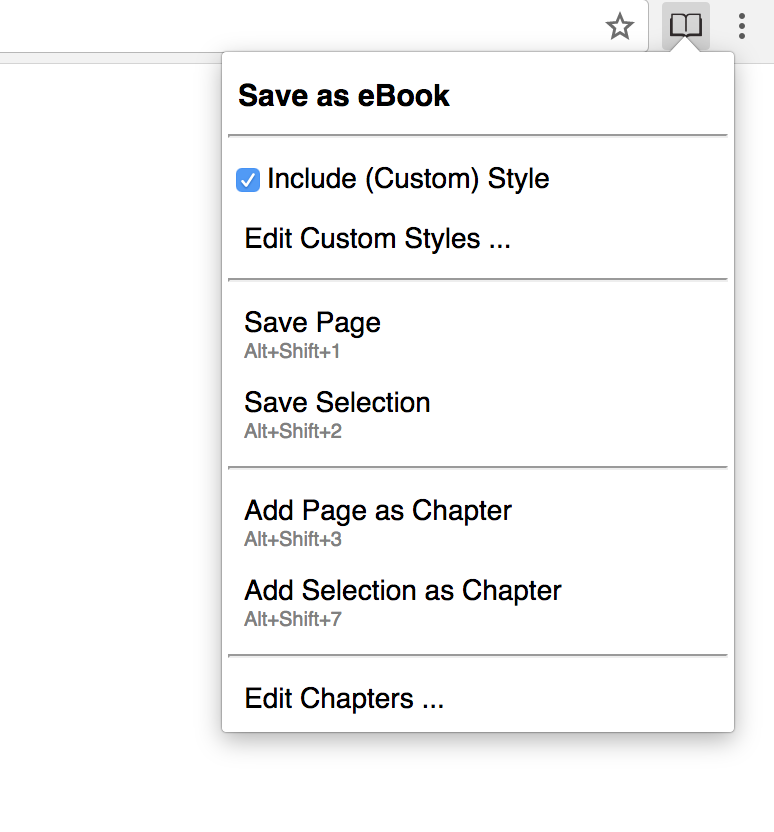
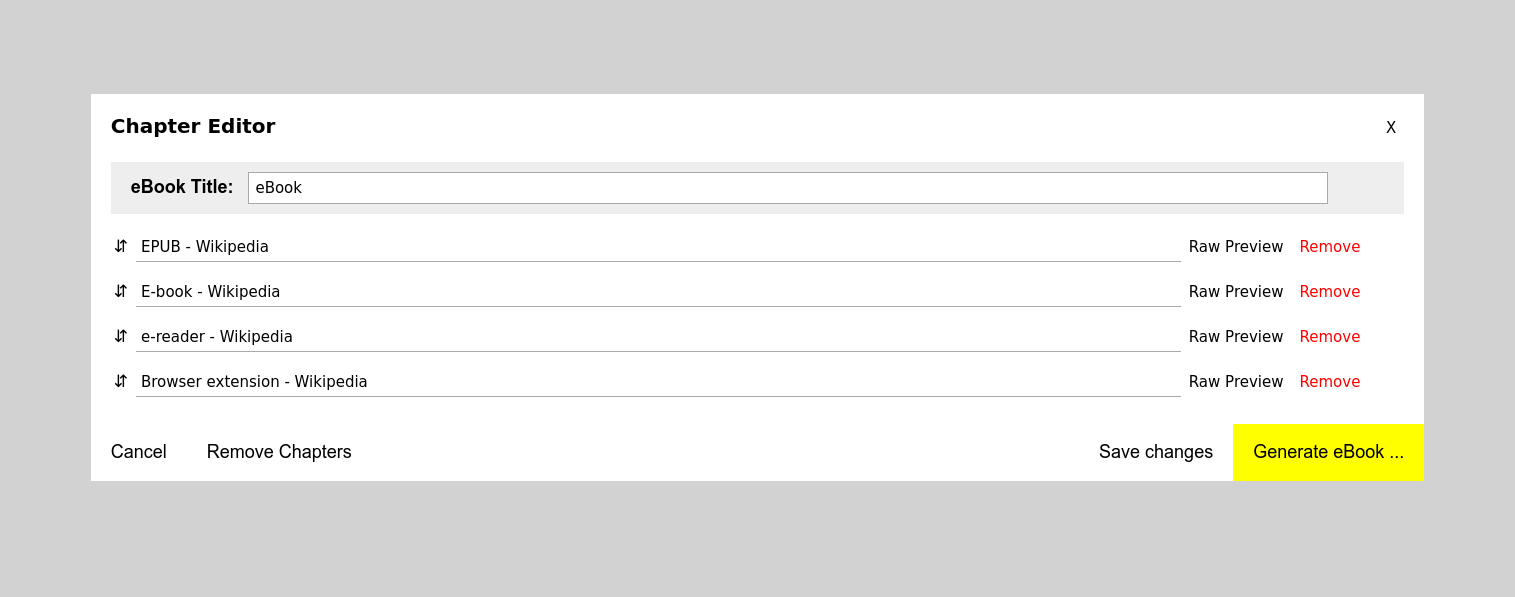

How to install it
From Chrome Web Store
or manually (tested on v. 52.0.2743.116)
1. Navigate to chrome://extensions/
2. Load unpacked extension ...
3. Select the extension's directory
From Firefox Add-ons
or manually (tested on v. 50.0a2)
1. Navigate to about:debugging
2. Load temporary add-on ...
3. Select the extension's directory
Opera (tested on v. 39.0.2256.48)
1. Navigate to opera:extensions
2. Load unpacked extension ...
3. Select the extension's directory
Convert .epub to .mobi
sudo apt-get install calibre
ebook-convert "book.epub" "book.mobi"
Default Keyboard Shortcuts
NOTE These shortcuts are not fixed and the browser will assign a different shortcut if the default one is taken
| Shortcut | Description |
|---|---|
| Alt + Shift + 1 | Save current page as eBook |
| Alt + Shift + 2 | Save current selection as eBook |
| Alt + Shift + 3 | Add current page as chapter |
| Alt + Shift + 4 | Add current selection as chapter |
How to change the default Shortcuts
in Chrome:
1. Navigate to chrome://extensions/
2. Scroll down
3. Click on Keyboard shortcuts
Added in 2.1.0
- add support for EPUB 3
- add option to apply Readability.js on Save Page and Save Page as Chapter
Added in 2.0.0
- Updated the manifest to v3
To-Do
- make the Custom Style Editor more user friendly
- support backup / restore for Custom Styles
- DONE fix all 'epubcheck' errors (https://github.com/IDPF/epubcheck)
- clean & optimize code
- create tests
- support other formats (mobi, pdf etc.)
- show confirmations (ui/ux)
- display errors (ui/ux)
- DONE support custom style
- add 'remove from ebook' right click menu action
Run Tests (Work in progress...)
cd tests
yarn install  # install puppeteer
node test/index.js  # should start a chrome instance with Save as eBook loaded

# it will generate and save the ebook in ./tmp-downloads

....
Credits
- http://ebooks.stackexchange.com/questions/1183/what-is-the-minimum-required-content-for-a-valid-epub
- https://github.com/blowsie/Pure-JavaScript-HTML5-Parser
- https://stuk.github.io/jszip/
- https://github.com/mozilla/readability - the library behind Firefox's Reader View, used by the "Apply Readability.js" option. Apache-2.0.
- http://johnny.github.io/jquery-sortable/
- https://github.com/eligrey/FileSaver.js/
- https://www.iconfinder.com/icons/753890/book_books_education_library_study_icon#size=128
- Thanks to pumpk0n and Francois Bocquet for helping me with the French translation